
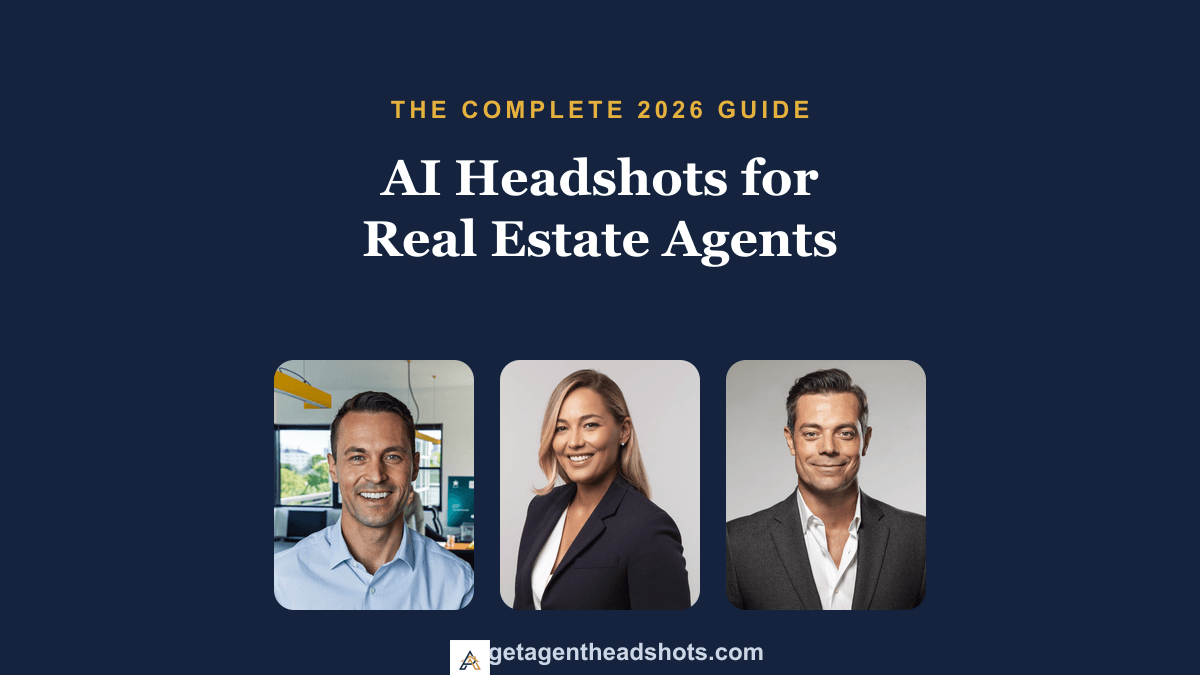
Your headshot is the most-seen photo in your real estate business. It is on every listing, yard sign, business card, and your Zillow, Realtor.com, and brokerage profiles. Clients judge it in seconds, often before they read a word about your experience. In 2026, more and more agents are skipping the $300 studio session and using AI headshots instead. This guide covers everything you need to know to do it well.
What are AI headshots?
An AI headshot generator takes a few photos of you and produces professional, studio-style portraits, without a camera, studio, or appointment. The newer identity-preserving models keep your real face, so the results look like you on your best day rather than a generic AI stranger. For agents, that means a full set of polished looks for listings, signs, and social profiles in minutes.
How AI headshots work, step by step
- Upload your photos. Most tools work from a few clear selfies. Some, like AgentHeadshots, let you see a free preview from a single photo before you pay.
- The AI learns your face. It studies your features so the output keeps your true likeness.
- You get a set of styles. Studio, bright office, outdoor, and more, ready in about 10 to 20 minutes.
Are AI headshots allowed on the MLS, Zillow, and Realtor.com?
Yes. As of 2026, the MLS, Zillow, and Realtor.com allow AI-generated headshots as long as the photo accurately represents how you actually look in person. That is the key rule: your headshot should look like the person a client will meet at a showing. This is exactly why identity preservation matters, and why you should always pick the most natural result rather than the most heavily stylized one.
The best headshot styles for real estate agents
Different parts of your marketing call for different looks. A small set covers everything:
- Clean studio: a neutral gray or white backdrop. Timeless and professional for your MLS and brokerage profile.
- Bright office: a softly blurred modern office. Signals an active, working agent, great for social.
- Outdoor / neighborhood: warm golden-hour light with a blurred street behind you. Approachable and local, perfect for signs.
For more inspiration, see our guide to real estate agent headshot ideas.
What to wear
A blazer in a solid, muted color (navy, charcoal, soft neutral) is the safe, high-performing choice for both men and women. Skip loud patterns and logos. We break this down fully in what to wear for a real estate headshot.
How to get the best AI headshot
The model is only as good as the photos you feed it:
- Upload variety, not just selfies, including a few photos taken by other people at different angles.
- Keep lighting even, avoiding harsh shadows that hide your features.
- Skip obstructions like sunglasses, hats, and hands near your face.
- Always preview a result of your own face before you pay, so you are never gambling.
AI headshots vs. a photographer
A professional photographer delivers excellent results but costs $150 to $700, takes scheduling and travel, and gives you a handful of shots a week later. AI headshots cost a fraction, deliver dozens of looks in minutes, and let you refresh any time. For most working agents, AI wins on speed, variety, and price, while a photographer still edges ahead for a single magazine-grade hero shot. For a full breakdown, see how much a real estate headshot should cost and the best free AI headshot generators for agents.
Getting started
The fastest way to know if AI headshots are right for you is to see one of yourself, free.
AgentHeadshots is built for real estate agents: upload a few selfies and get 40+ professional headshots in about 10 to 20 minutes for $39, with a commercial-use license for your listings, signs, and profiles.