
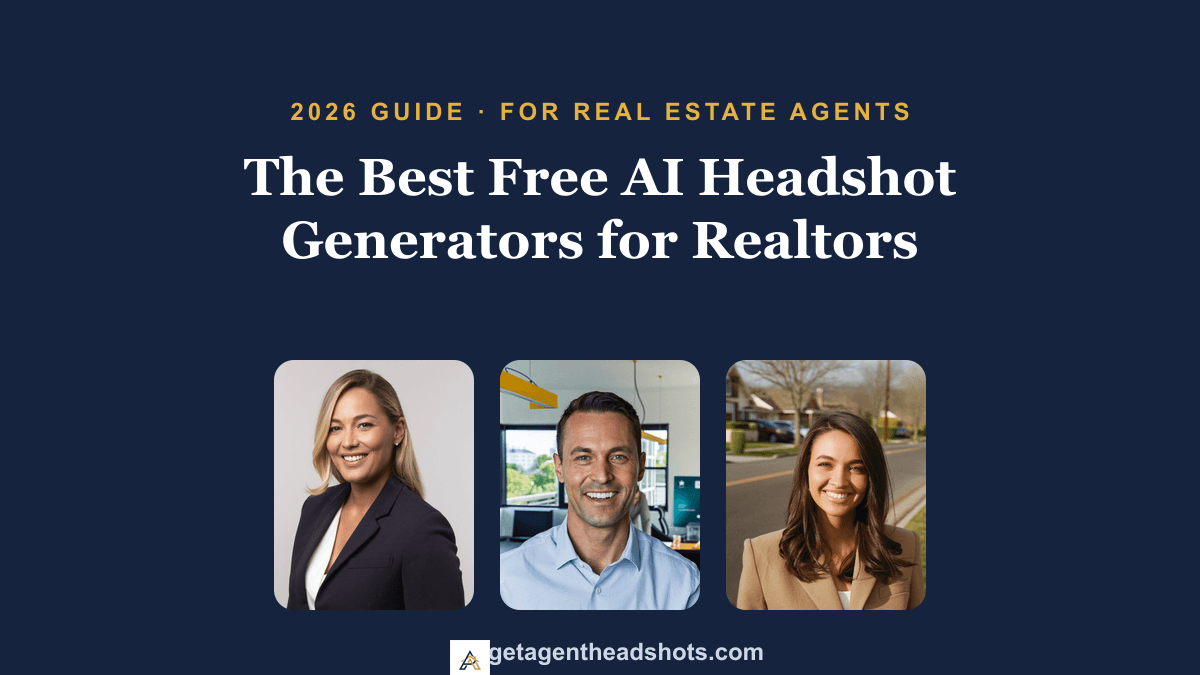
Your headshot is the most-seen photo in your real estate business. It sits on every listing, every yard sign, your Zillow and Realtor.com profiles, your business cards, and the top of every email you send. Buyers and sellers form an impression of you in seconds, usually before they read a single word about your experience.
In 2026, AI headshot generators have made a polished professional photo fast and cheap, so it is no surprise that "free" is tempting. But for a photo this important to your brand, free comes with catches that can quietly cost you listings. This guide breaks down the best free AI headshot generators for agents, explains what "free" actually means, and shows you when it pays to skip free for a headshot that looks like you on your best day.
If you would rather just see what a professional headshot of you looks like before spending anything, AgentHeadshots lets you generate a free preview of your own face in minutes, built specifically for real estate agents.
What "free" actually means for an AI headshot
"Free" is rarely one thing. In 2026, free AI headshot tools fall into three models, each with its own trade-offs for a working agent.
1. Truly free (the loss leader). No sign-up, no payment. These are increasingly rare because running high-quality image models is expensive. To give it away, these tools usually run lighter, older models that produce lower-resolution, less realistic results. Fine for curiosity, risky for your sign.
2. The freemium "credit" model. The most common type. You get a few free credits or a short trial, enough to see one or two results, then a paywall. You might get one decent shot out of five, but you cannot build a consistent set of looks without paying.
3. The "enhancement" loophole. Many "free" tools do not generate a new headshot from a model of your face. They retouch an existing photo, fixing lighting or swapping a background. If your source photo is weak, you get a polished version of a weak photo, not a new professional portrait.
The biggest hidden cost is often invisible: your time and your data. You can lose an afternoon generating and filtering mediocre images, and some free services keep vague data-retention policies. When a tool is free, your uploaded face is frequently the product.
Quick comparison: free AI headshot tools for agents in 2026
| Tool | What's free | Best for | Not ideal for |
|---|---|---|---|
| Canva AI | Limited credits | Social graphics | Photorealistic portraits |
| Remini | Enhancement | Improving a photo | Creating new headshots |
| HeadshotPro (free) | Preview/enhance | Polishing a selfie | A full re-shoot |
| Supawork / similar | A few styles | Volume testing | Consistency |
| Mobile avatar apps | Ad-supported | Social avatars | Listings & MLS |
| AgentHeadshots | Free preview of your face | Realtor headshots | — |
Pricing and free tiers change often, so always confirm the current terms on each tool's site before you upload.
The best free AI headshot generators (2026 roundup)
Here is how the most common free options stack up when your goal is a professional real estate headshot, not a novelty avatar.
1. Canva AI. If you already build marketing in Canva, the AI tools are convenient and the free tier gives you a handful of credits. The catch: outputs lean toward "designed avatar" rather than photograph, which is great for a social graphic but weak as your primary profile photo.
2. Remini. Excellent at enhancing a photo you already have, sharpening, relighting, cleaning up. It is not a true generator, so it cannot give you a navy-blazer studio look from a kitchen selfie. Use it to rescue an existing shot, not to create a new one.
3. HeadshotPro (free tier). The paid version is well known, but the free entry point is mostly a preview or light enhancement. Good for a quick polish; not a substitute for a full generated set.
4. BetterPic (free preview). Known for realistic skin texture on its paid plans. The free experience is a limited taste, enough to judge style, not enough to walk away with a usable set.
5. Aragon (free samples). Often praised for likeness accuracy. The free portion is a sample; a full agent-ready set sits behind the paywall.
6. Supawork and similar freemium web tools. These emphasize volume and "100+ styles." The problem for agents is consistency: across many looks, the face can drift, eyes can go slightly off, and skin can look plastic. Volume is not the same as a reliable, on-brand portrait.
7. HeadshotPhoto-style LinkedIn tools. These handle cropping and framing for round profile photos well, but most are enhancers that depend entirely on your source image.
8. Mobile "AI avatar" apps. Fun for social media, unreliable for resemblance. They tend to create someone who looks like you rather than you, which is the last thing you want on a yard sign.
9. AgentHeadshots (free preview, built for agents). Instead of a generic free trial, you upload one selfie and see two real, professional previews of your own face for free, in studio and bright-office styles tuned for real estate. You only pay if you love them, and your full set includes commercial-use rights for listings, signs, and ads. It is the one option on this list designed specifically for how agents use a headshot.
Are free AI headshots good enough for your real estate brand?
For personal experimentation, free is fine. For the photo on your sign for the next two years, the bar is higher. When a buyer or seller lands on your profile, they are making a quick, mostly subconscious judgment about whether you look credible and trustworthy. Free tools commonly stumble on the exact details that trigger doubt:
- The uncanny look: small distortions around the eyes or teeth that make a photo feel "off" without the viewer knowing why.
- Inconsistent lighting: shadows that do not match the scene and quietly read as fake.
- Low resolution: images that look acceptable on a phone but fall apart on a desktop listing or a printed sign.
- Resemblance drift: a portrait that looks like a relative of you rather than you, which erodes trust the moment a client meets you in person.
Your headshot is one of the highest-leverage pieces of marketing you own. It is not the place to accept "good enough."
When to skip "free" and invest in a professional headshot
There is a clear point where a small paid investment beats a free tool. For agents, you have almost certainly crossed it if:
- You are actively listing or prospecting. Your photo is the visual anchor on every listing and outreach. If it looks artificial, you look less credible.
- You need a consistent set of looks. Your MLS profile, sign, Instagram, and email signature each frame your face differently. You want a studio shot, a bright approachable one, and an outdoor option that all clearly look like the same person.
- You will print it. Yard signs and brochures need higher resolution than most free tools provide.
- You care who keeps your photos. Paid services typically offer clear deletion policies and commercial rights, which matter when your image is part of your marketing.
Why AgentHeadshots is built for real estate agents
Most AI headshot tools are generalists aimed at everyone. AgentHeadshots is built for one job: making real estate agents look credible everywhere their face appears.
- See yourself free, first. Upload one selfie and get two professional previews of your actual face before you pay anything. No gambling on a result you cannot see.
- Styles tuned for agents. Clean studio, bright modern office, and tasteful outdoor looks, the backgrounds and outfits clients expect, not artsy filters.
- 40+ headshots in minutes. A full set across six styles, ready in about 10 to 20 minutes, for $39.
- Commercial-use license. Use them on listings, signs, business cards, social, and paid ads.
- A real guarantee. If you are not happy, we re-run your set free until you are.
AgentHeadshots is built for real estate agents: upload a few selfies and get 40+ professional headshots in about 10 to 20 minutes for $39, with a commercial-use license for your listings, signs, and profiles.
Free vs. paid: which should an agent choose?
Choose a free tool if you are simply curious about the technology, you need a throwaway avatar, or the stakes for the image are low.
Choose a professional service if the photo represents your business, you need it to truly look like you, you want a consistent variety of backgrounds, and you need print-ready files you can actually use. For most working agents, a one-time $39 set pays for itself with a single extra listing appointment.
How to get the best AI headshot, whatever tool you use
The model is only as good as the photos you feed it. To get the best result anywhere:
- Upload variety, not just selfies. Include a few photos taken by other people at different angles so the AI has real depth to work from.
- Keep lighting even. Avoid harsh shadows that hide your features.
- Skip obstructions. Sunglasses, hats, and hands near your face confuse the model.
For more on getting it right, see our guides on real estate agent headshot ideas and what to wear for a real estate headshot.
The bottom line
Free AI headshot generators are a great sandbox, and in 2026 they are better than ever for experimenting. But for the photo that anchors your real estate brand, "free" often costs too much in quality, consistency, and credibility. When you are ready for a headshot that actually wins listings, a tool built for agents is a high-return decision, and you can start by seeing yours free.